
Switching IT providers can feel like a leap of faith: Will staff still get help? Will the new team have the access and information it needs? What happens if a critical system fails during the change?
A well-planned handover makes those questions part of the work, not surprises after the switch. The business, outgoing provider, and incoming provider should agree on responsibilities, inventory the systems in scope, transfer and verify access, and confirm support and recovery arrangements before closing out the old relationship.
The exact steps depend on your systems and agreements, but the practical checklist below can help you plan a controlled transition and protect business continuity.
What happens when a business switches IT providers?
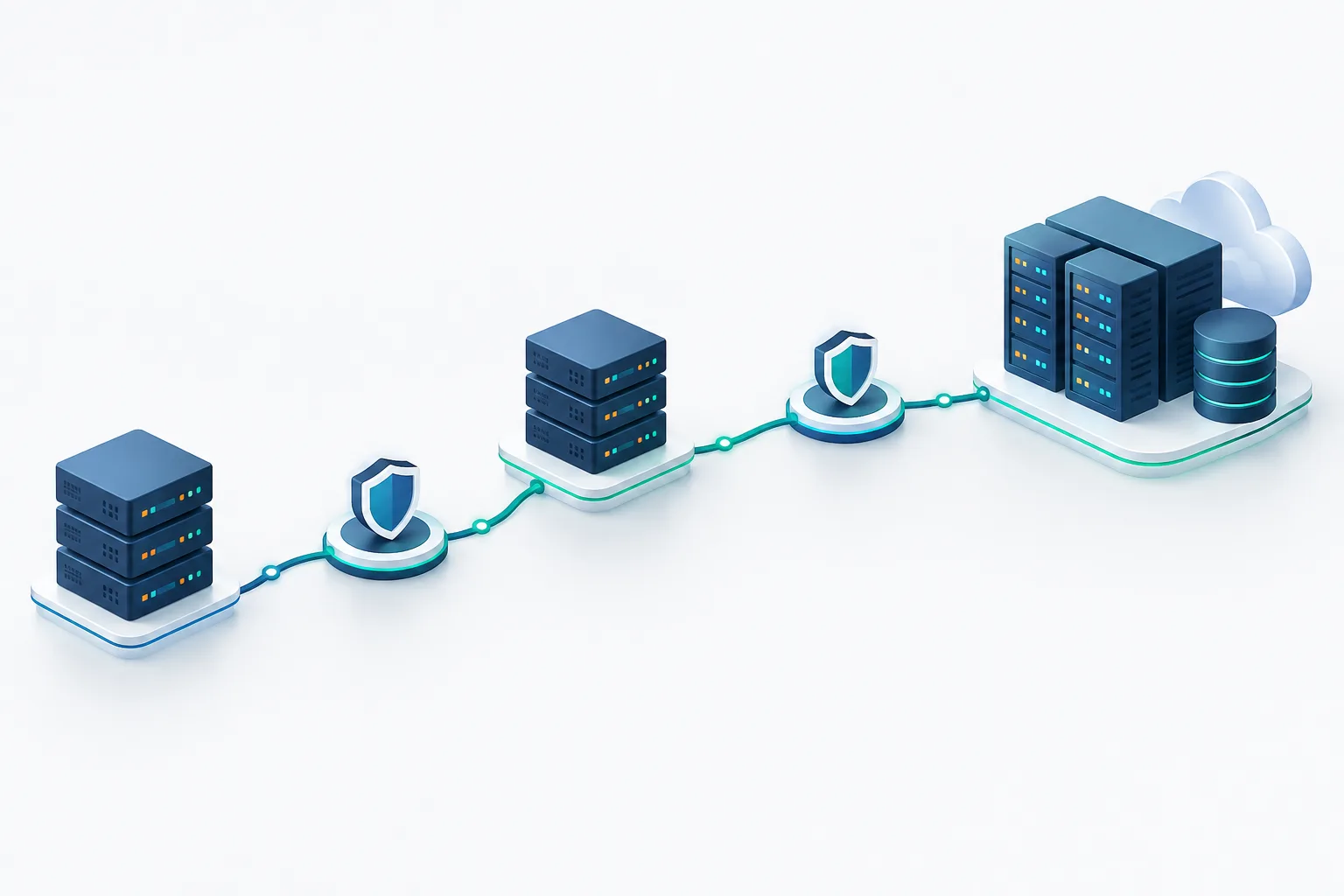
Typically, the transition moves through several connected activities: planning the handover, documenting systems and vendors, arranging secure access, validating support and recovery, and then reviewing the outgoing provider’s remaining access. Some work may happen in parallel, but responsibilities should be clear throughout.
Before scheduling technical changes, review your existing agreement and identify any notice requirements, transition assistance, or account ownership details that may affect the handover. The CISA guidance for managed service provider customers is a useful reference for thinking through provider relationships and associated risks.
Build an IT provider transition checklist
For each important system or service, record who owns it, who administers it now, who will administer it next, how to contact support, what recovery option exists, and how your business will confirm the handover is complete. Keep the record in a location the business controls, rather than relying on one provider’s documentation portal.
Inventory systems, accounts, and vendors
Ask the outgoing provider and internal system owners to identify the technology the business depends on. The inventory may include network equipment, computers and servers, email, cloud services, security tools, websites, phone systems, business applications, backups, and vendor support accounts.
Pay special attention to the accounts that control other services. Confirm the business can access and recover its domain registrar, cloud tenant, software subscriptions, backup console, internet service account, and other vendor relationships. A list of passwords is not enough if the business cannot recover the underlying account or prove who owns it.
For each item, note its business purpose, owner, current support contact, incoming support contact, dependencies, and any known renewal or change requirements. Mark sensitive data and essential workflows so they receive appropriate attention during the change.
Plan who handles support during the handover
Agree in writing who will take new help requests, monitor alerts, approve changes, and respond to urgent incidents while responsibilities are shifting. Clarify whether there will be an overlap period, what each provider is expected to handle during it, and how the business will escalate a problem.
Do not assume a support request is covered simply because a provider has access to a system. Confirm the handoff for open tickets, scheduled maintenance, active investigations, and known problems. If your business has an incident response plan, update the relevant contacts and responsibilities; this guide to incident response planning can help you review what the plan should cover.
Transfer administrator access securely
Access should be granted deliberately, using accounts and permissions appropriate to each person’s role. Identify the business owner of each account and decide who should have administrator privileges after the change. Where possible, use named accounts instead of shared credentials so access can be assigned and reviewed clearly.
- Confirm the business can access account recovery methods and ownership records.
- Arrange credential transfers through a secure, agreed method rather than sending passwords in ordinary email or chat.
- Review administrator roles, remote access, service accounts, and third-party partner permissions.
- Record who approved access and how the incoming team’s access will be verified.
Ask the incoming provider to confirm that the necessary access works and that it can perform its agreed support tasks. Then review which permissions the outgoing provider still needs for transition work. Remove or revise those permissions after the incoming support, monitoring, and recovery arrangements have been verified, while checking for technical or vendor dependencies that could be affected.
Validate support, security, and recovery
A successful login or a report that a backup job completed does not by itself show that the incoming provider can support the system or restore needed data. Agree on practical checks for critical services and record the results. Depending on the system, validation may include confirming monitoring and alert routing, checking support escalation, reviewing backup status, or performing an approved recovery test.
Define the scope and timing of any test with the people responsible for the system. Avoid unplanned changes to production systems during the handover. For broader continuity planning, NIST’s information system contingency planning resource provides useful context for preparing to keep important functions available.
Also identify which business processes depend on each system. A system may appear healthy while an important workflow, integration, or recovery step remains untested. Make sure someone from the business, not only the providers, can confirm that the work meets operational needs.
Communicate the change to employees
Tell employees when the support process changes, where to send requests, how to report an urgent issue, and what they should expect to be different. If the help desk address, phone number, remote support process, or escalation route changes, make that information easy to find.
Let staff know whether they need to take any action, such as using a new support portal or signing in to a service again. Avoid asking employees to share passwords with support staff. A short, clear message and a current contact reference can reduce confusion during the transition.
Consider sensitive data and compliance obligations
Before changing access or service arrangements, map the systems that store or handle sensitive information and the workflows your organization relies on. Identify relevant contractual, internal, or regulatory requirements, approval steps, and documentation expectations. Make sure the business knows who is responsible for maintaining records and responding to questions about access or security during the change.
Requirements vary by organization and the data it handles. If your team needs a structured prompt for reviewing its obligations, see this small business cybersecurity compliance checklist.
Close out the outgoing provider carefully
Before the transition is considered complete, review the system inventory and confirm the new support contacts, access, and agreed validation results are documented. Reconcile open tickets, pending changes, vendor contacts, and any information the outgoing provider still needs to deliver under the existing arrangement.
Then review and remove or adjust the outgoing provider’s access in a coordinated way. Include systems and third-party accounts, not just the main support console. Confirm that the business retains control of its accounts and recovery methods, and document who approved the access changes.
Keep the transition record with your business’s IT documentation. It can help staff and future providers understand what was changed, what was tested, and where to turn for support.
Frequently asked questions
Who is responsible for IT support during the transition?
The business should agree with both providers on who handles tickets, alerts, changes, and urgent incidents during each stage. Tell employees which contact to use and when the responsibility changes.
Should we test backups before changing IT providers?
Agree on how critical backup and recovery arrangements will be checked, and record the outcome. A completed backup job does not, on its own, confirm that needed data can be restored.
When should we remove the outgoing provider’s access?
Sequence access removal after confirming the incoming support, monitoring, and recovery arrangements work as agreed. Check for dependencies first, then review and remove or revise remaining access in a coordinated way.
What should regulated organizations consider?
Identify sensitive data, essential workflows, applicable obligations, approval requirements, and documentation needs before changing access or service arrangements. Include the people responsible for those requirements in the transition plan.
Make the handover deliberate
Switching IT providers is easier to manage when ownership, support responsibilities, access, and recovery checks are documented and verified. Start by building the system inventory and agreeing who handles support at every stage. Zevonix offers managed IT services that include 24/7 monitoring, along with a free cybersecurity risk check that evaluates a business’s security posture and identifies vulnerabilities. To discuss your IT needs, call (904) 658-0777.